Internet edge
The connection, gateway, and firewall policies that protect the business and keep traffic moving.

Business networking · Sussex & Morris County
When Wi-Fi, switching, cabling, and security are planned as one system, employees stop working around the network—and the network starts supporting the business.
Start with the environment
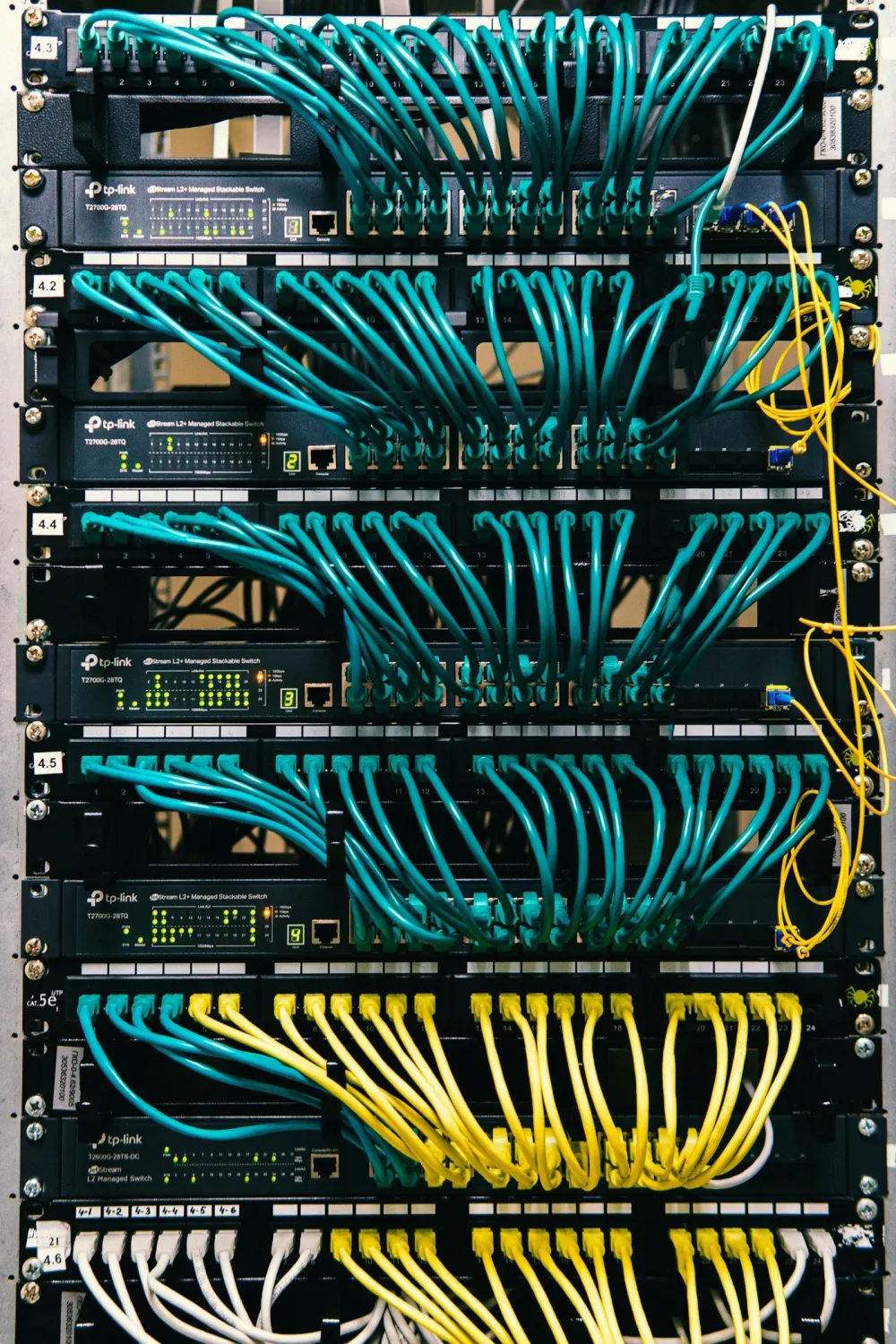
A weak signal is visible. The less obvious issues—an overloaded switch, a flat network with no separation, an undocumented cable path, or a firewall that no longer matches the business—often surface as intermittent problems across voice, video, cloud applications, cameras, and employee devices.
TechBoot assesses the building, users, equipment, applications, and growth plans together. That creates a network design sized for the work taking place today, with enough structure to support what comes next.
Designed in layers
The connection, gateway, and firewall policies that protect the business and keep traffic moving.
Managed switches, PoE capacity, VLANs, patching, and cabling that give every connected system a dependable path.
Access-point placement, channel planning, secure employee access, and separated guest Wi-Fi designed for the actual space.
Centralized management, alerts, documentation, firmware planning, and remote insight when something changes.
Example: restaurant Wi-Fi
A restaurant network may support point-of-sale terminals, staff devices, cloud applications, security systems, and guest internet at the same time. The goal is not simply to make the Wi-Fi signal reach farther. It is to give each use the right coverage and the right boundaries.
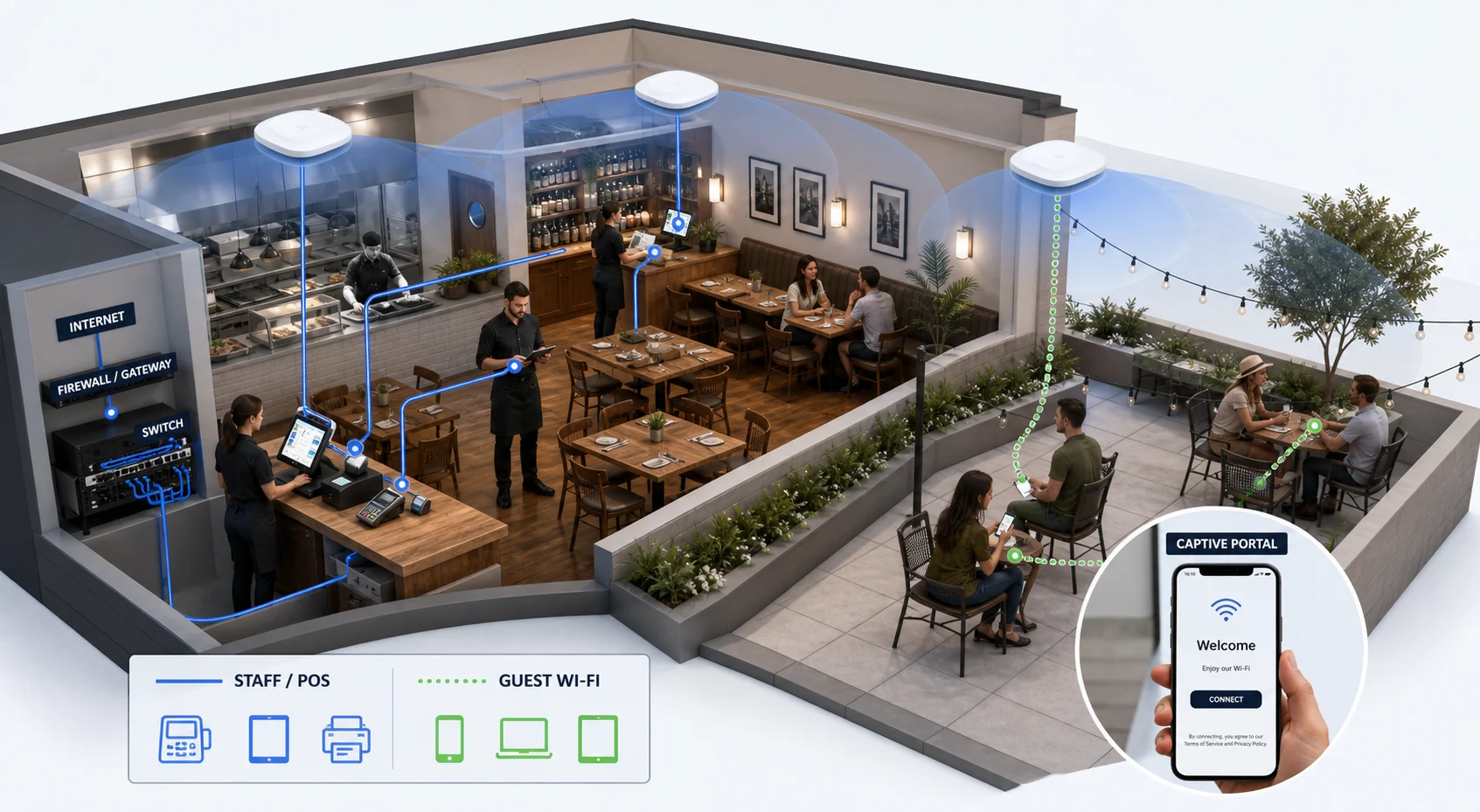
Business-critical devices can use a secured network separated from customer traffic.
Visitors receive isolated internet access with the experience and limits the business chooses.
Access points are placed for the actual floor plan, occupancy, building materials, and outdoor space.
A practical managed platform
As a TP-Link partner, TechBoot works with the Omada product line for businesses that need managed networking without unnecessary enterprise overhead. Depending on the environment, that can include gateways, managed PoE switches, indoor or outdoor access points, controllers, and centralized monitoring across one or several sites.
The product is not the starting point. We first determine coverage, port, power, security, and management requirements—then select the equipment that fits.
When clients call us
Based in Sparta · Serving Sussex & Morris County
Share the challenge, the current environment, or the change you are planning. Matt will review your message and respond directly.